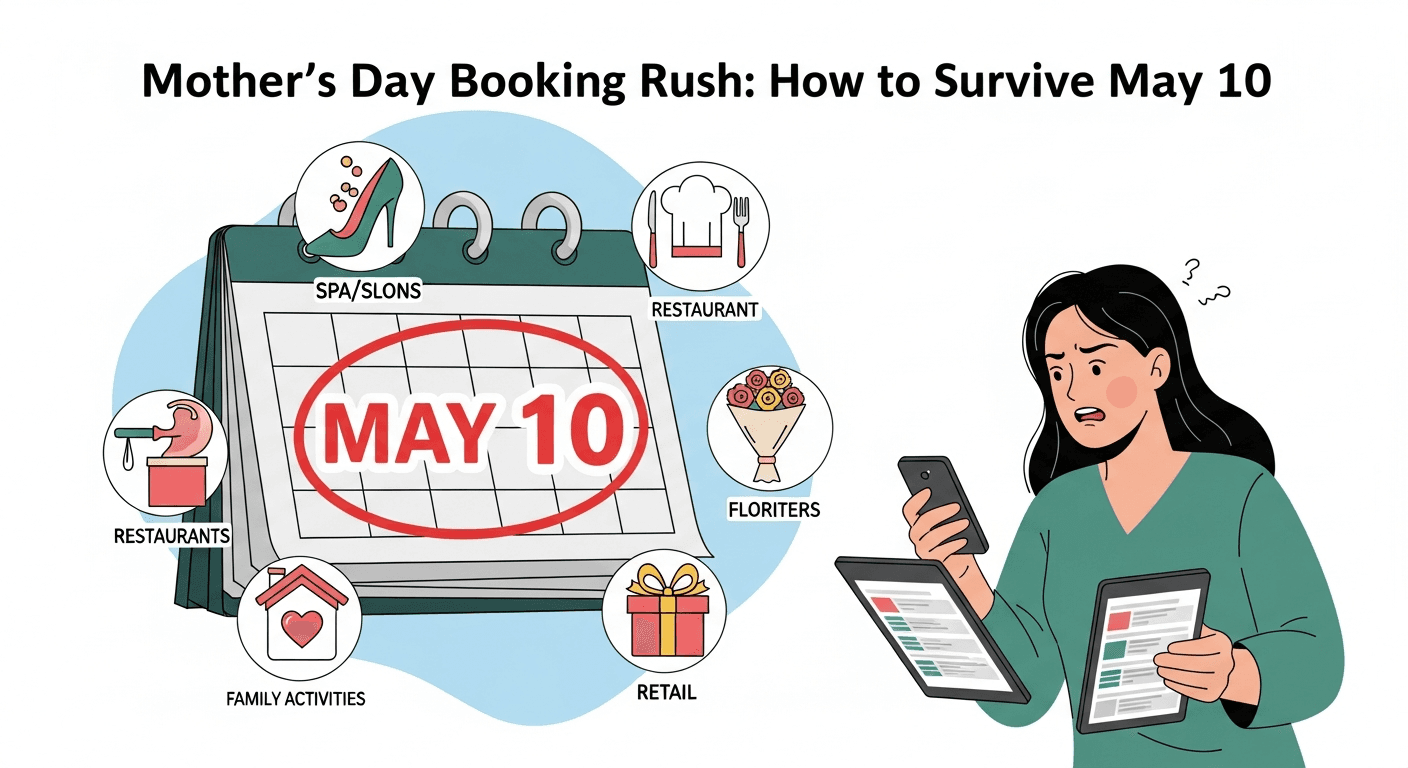
Mother's Day Booking Rush: How to Survive May 10
Mother's Day is the single busiest nail salon day of the spring. The week before May 10 fills your books faster than any other stretch of the year — and if your system can't keep up, the rush becomes the problem instead of the payday.
Here's the good news: with the right setup, Mother's Day stops being chaos and starts being the most profitable week of your second quarter. This is the playbook.
Why Mother's Day Breaks Most Nail Salons
The math is simple. Your phone rings non-stop the week before. Walk-ins double. Every regular wants to bring her mom, her sister, and her aunt. You're trying to do nails, answer the phone, and confirm appointments — all at the same time.
Three things usually go wrong:
- Double-bookings — two clients booked into the same slot because nobody updated the paper book in time
- No-shows — clients who booked three Mother's Day slots at three different salons and only show up to one
- Lost gift card sales — last-minute buyers who walk away because you don't sell gift cards online
Each one of these costs you real money during the highest-demand week of the season.
Step 1: Turn On 24/7 Online Booking Before May 1
If clients can only book by calling, you're already losing the rush. Most Mother's Day bookings happen between 8pm and midnight — after work, after dinner, when daughters finally have a minute to think about gifts.
Your booking link needs to live in three places before May 1:
- Your Instagram bio
- Your Google Business profile
- Your Facebook page
The salons that fill up first on Mother's Day are the ones whose booking links work at 11pm on a Tuesday. That's it. That's the secret.
Step 2: Require Deposits on Every Mother's Day Slot
This is the rule that pays for itself in one weekend. A $20 deposit at booking does two things at once: it locks in serious clients and filters out the ones who book three salons "just in case."
Here's a real example. Imagine your salon has 40 Mother's Day appointments. Industry no-show rates run 15% to 30% on high-demand days. Without deposits, that's 6 to 12 empty chairs at $50 each — anywhere from $300 to $600 in lost revenue on your busiest day.
With deposits, two things happen:
- No-shows drop sharply because clients have skin in the game
- The ones who still no-show pay you anyway through the saved card on file
EasySalon handles this through Stripe. The deposit gets collected at booking, and if the client doesn't show, the no-show charge runs automatically with a clean audit trail.
Step 3: Sell Gift Cards Online — Starting May 1
Gift cards are the highest-margin Mother's Day product you can sell. No labor cost. No supplies. Just a digital code and a 100% margin.
The catch: most last-minute gift card buyers are shopping at 9pm on May 9. If they have to drive to your salon to buy one, they're buying from someone else.
Set up online gift card sales by May 1. Promote them in stories the entire week of May 4-10 with one simple message: "Gift Mom a manicure — sent instantly to her phone."
Step 4: Automate Your Reminders in English and Spanish
The 24 hours before Mother's Day is when no-shows happen. A client books on Tuesday, forgets by Saturday, and ghosts on Sunday.
Automated SMS reminders cut that drop-off dramatically. Send two:
- One reminder 24 hours before the appointment
- One reminder 2 hours before, with a confirmation link
If your clientele is bilingual, send them in Spanish. EasySalon does this automatically based on the client's profile — no extra work.
Step 5: Have a Plan for Walk-Ins You Can't Take
You will turn people away on Mother's Day. It's unavoidable when you're booked solid. The question is whether you turn them away forever or capture them as future revenue.
Train every team member to say the same thing to walk-ins: "We're fully booked today, but I can text you our online booking link right now and get you in this week."
That one sentence converts disappointed walk-ins into next-week appointments. Without it, they walk down the street to the next salon.
Step 6: Run Payroll on Monday, Not Wednesday
After Mother's Day weekend, your team will have worked their hardest shifts of the quarter. They'll want to see those tips and commissions hit fast.
If you're still calculating payroll by hand in a spreadsheet — multiple commission rates, tip splits, service breakdowns — Monday becomes a nightmare. A salon with 10 technicians on different commission tiers can lose 3 to 4 hours just on math.
Automated payroll changes that. Picture this: Monday morning, you click one button, every technician gets paid the right amount based on their individual commission rate, and you're done. 13 employees. 1 click. 0 errors. That's not a marketing line — that's the actual workflow inside EasySalon.
The Mother's Day Checklist
Print this. Tape it next to your station. Check each box before May 1:
- ☐ Online booking link in Instagram bio, Google, and Facebook
- ☐ Deposits set up on every Mother's Day appointment slot
- ☐ Gift cards available for online purchase
- ☐ SMS reminders turned on (24-hour and 2-hour)
- ☐ Spanish reminders enabled for bilingual clients
- ☐ Walk-in script practiced with the team
- ☐ Payroll automation set up for the Monday after
Make This Mother's Day Your Best One Yet
Mother's Day rewards the salons that prepared. The ones still juggling paper books and Venmo screenshots will survive it. The ones running EasySalon will profit from it — and have time left over to enjoy a glass of wine on Sunday night.
You have less than two weeks. Start your free 14-day trial and have your Mother's Day system ready by May 1. No contract, no setup fee, no surprises.
COVER_IMAGE_CONCEPT: A bouquet of soft pink peonies resting next to an open appointment book showing a fully-booked Mother's Day page, with a single pink nail polish bottle and a handwritten gift card on warm wooden surface, golden afternoon light, merlot accents, no text, no UI screens