Mother's Day Salon Payroll: How to Pay 13 Techs in One Click
Mother's Day weekend just ended. Your salon was packed for three days straight. Now it's Sunday night, you're staring at a notebook full of tip splits and commission rates, and payroll is due tomorrow. Sound familiar? There's a better way — and it doesn't involve a spreadsheet.
Why Mother's Day Breaks Most Salon Payroll Systems
Mother's Day weekend is the single busiest stretch of Q2 for nail salons. Walk-ins, double bookings, gift card redemptions, group appointments — your team is hustling from open to close.
That's great for revenue. It's brutal for payroll.
Every service has a different commission split. Every tech has a different rate. Some take cash tips, some take card tips, some get tipped through Venmo. By Sunday night, you're trying to reconstruct three days of chaos from sticky notes and memory.
The average salon owner spends 3 to 5 hours on payroll the Sunday after Mother's Day — more than any other weekend of the year.
The Real Cost of Manual Payroll
Manual payroll isn't just slow. It's expensive in ways most owners don't track:
- Math errors — One miscalculated commission and a tech notices on payday. Trust takes a hit.
- Time you don't have — Sunday nights should be for resting, not reconciling tip-outs.
- Tax exposure — Untracked tips and inconsistent records create real audit risk.
- Staff turnover — Techs leave salons where pay feels unpredictable or unfair.
If you're running 5+ techs, you're probably losing one full work day every two weeks just to payroll math. That's roughly 26 days a year. A whole month of your life.
What "One-Click Payroll" Actually Means
When every appointment, tip, and service is logged in one system, payroll becomes addition — not detective work.
Imagine Maria charges $50 per manicure at a 40% commission. She did 18 manicures over Mother's Day weekend, plus three pedicures at a different rate, plus $240 in card tips. Instead of pulling out a calculator, the system already tracked every line. Her payday total is ready before you close on Sunday.
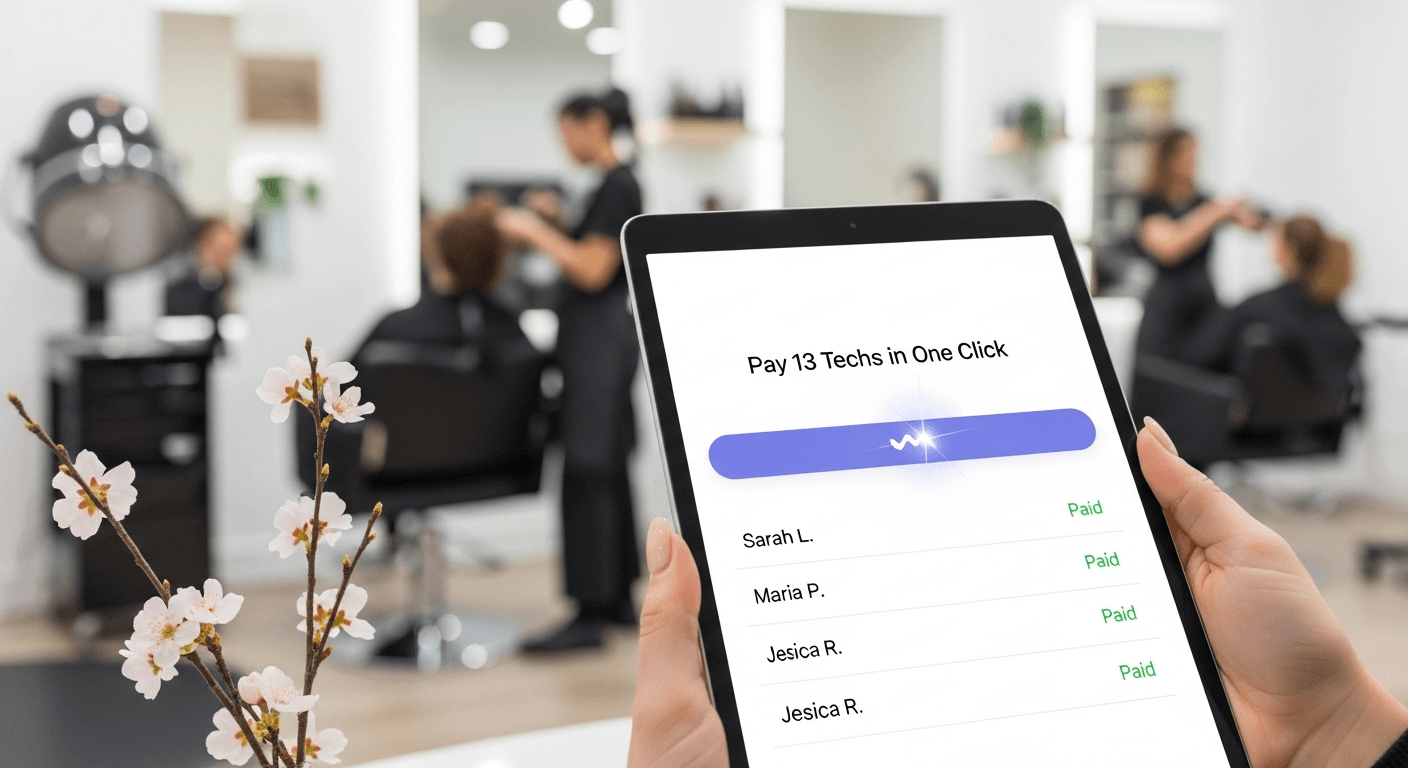
Now multiply that across your whole team. EasySalon's payroll module recently processed a real example: 13 employees paid simultaneously — 13 sent, 0 skipped, 0 errors. One button. Under a minute.
How to Set Up Salon Payroll That Survives the Rush
If you want next Mother's Day weekend to end with a quiet Sunday night, here's the order of operations:
- Get every service into the system. Every manicure, pedicure, gel, fill, and add-on needs a price and a category.
- Assign commission rates per tech, per service. Maria might be 40% on manicures and 50% on nail art. Tracy might be 45% flat. The system holds the rules so you don't have to.
- Track tips at the point of payment. Card tips, cash tips, Venmo, CashApp — all logged at checkout, attached to the right tech.
- Run payroll on a schedule, not when you find time. Weekly or biweekly, same day every time. Predictability builds staff trust.
Why This Matters Beyond Mother's Day
Mother's Day is the test. Prom season, summer weddings, back-to-school, the December holiday rush — every busy season puts the same pressure on your payroll process.
Salon owners who automate payroll once never go back. The Sunday-night spreadsheet becomes a memory, and your techs get paid accurately, on time, every time.
Your team doesn't need bigger commissions to feel valued. They need consistent, accurate, on-time pay.
Stop Dreading the Sunday After Mother's Day
If payroll is the worst part of running your salon, it doesn't have to be. EasySalon was built specifically for nail salons with tip-based, commission-split teams — not retrofitted from a hair salon tool. No contracts, no setup fees, and you can have payroll running before your next busy weekend.
Ready to pay your team in one click? Start your free 14-day trial at easysalon.us/onboarding — no credit card required, free guided onboarding included.
Cover image: Close-up of a nail technician's organized payroll envelope on a clean manicure station, surrounded by neatly arranged spring-pastel polish bottles (lavender, blush, mint), a single calculator pushed aside, soft natural window light, warm merlot accent in background, documentary editorial feel — no text, no UI, no screens.